Two separate Chromes on one Mac, beyond profiles
Run work Chrome beside your own as a separate instance: its own sign-ins, cookies, history and extensions, opened from Parallex, the menu bar or the ⌃⌥Space switcher, its windows outlined in its color. The same goes for Brave, Edge, Arc, Vivaldi and other Chromium browsers. Parallex is free and open source.
How
- Install Parallex (below). Your Google Chrome isn't changed.
- Choose New Instance and pick Google Chrome. Name it for what it's for, like “Google Chrome Work”, and give it a color.
- Open it and sign in with the other account. Both run at once, each in its own windows, outlined in the instance's color.
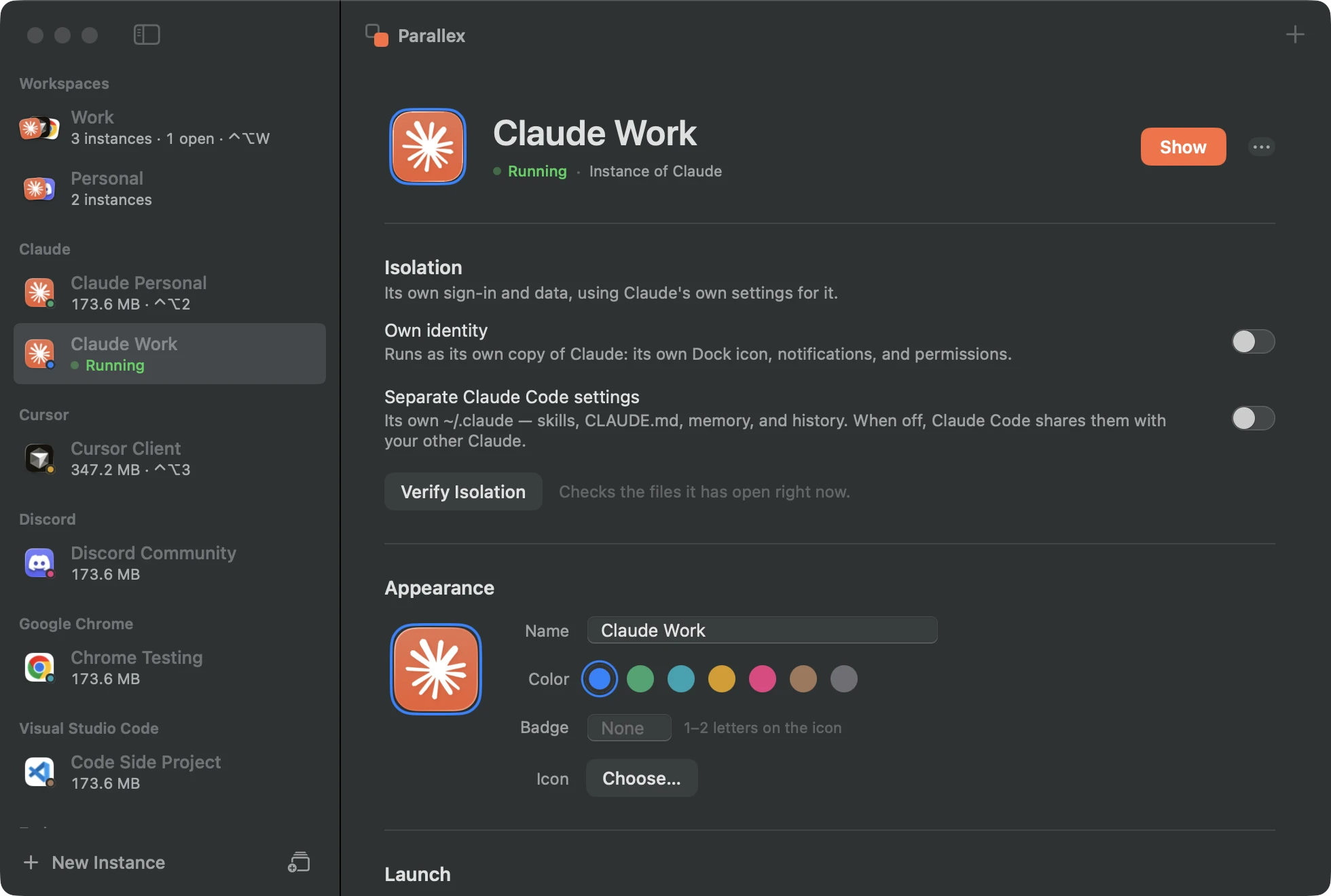
What you get with Google Chrome
- Its own data folder: Parallex starts the browser with a profile folder of its own, so its sign-ins, cookies and extensions are separate.
- Window outlines in its color, and its name in the menu bar, so you can tell the two apart at a glance.
- Links to the right browser: send links from other apps to a browser instance, or to a Chrome profile like “Chrome/Work”, with rules per site.
- A copy that imports from your other browsers can still read their keys; its own key has a name of its own.
- In a workspace with a proxy, the browser instance goes through it.
Questions
Chrome already has profiles. Why this?
Profiles live inside one Chrome, and links from other apps land in whichever was used last. An instance is a separate Chrome with its own data folder, opened on its own, and links you choose go straight to it.
Which browsers work?
Chrome (and Beta, Dev, Canary), Chromium, Brave, Edge, Vivaldi, Opera, Arc, Helium, Yandex and Whale are recognised as Chromium browsers. Firefox works too, with its own profile.
Get Parallex
Free and open source, for macOS 14 and later. In Terminal:
curl -fsSL https://parallex.mandip.dev/install | shOr download it from GitHub, or with Homebrew: brew tap mandipadk/parallex https://github.com/mandipadk/parallex then brew install --cask parallex. Then choose New Instance, pick Google Chrome, and give it a name.
Already have Parallex?
This opens New Instance with Google Chrome picked; you name it and choose its color.
Make a second Google Chrome