Two Element (Matrix) accounts open at once on a Mac
Keep a second Matrix account in a second Element on the same Mac: both open at once, each signed in to its own account, with its own notifications and Dock icon. Parallex is free and open source.
How
- Install Parallex (below). Your Element isn't changed.
- Choose New Instance and pick Element. Name it for what it's for, like “Element Work”, and give it a color.
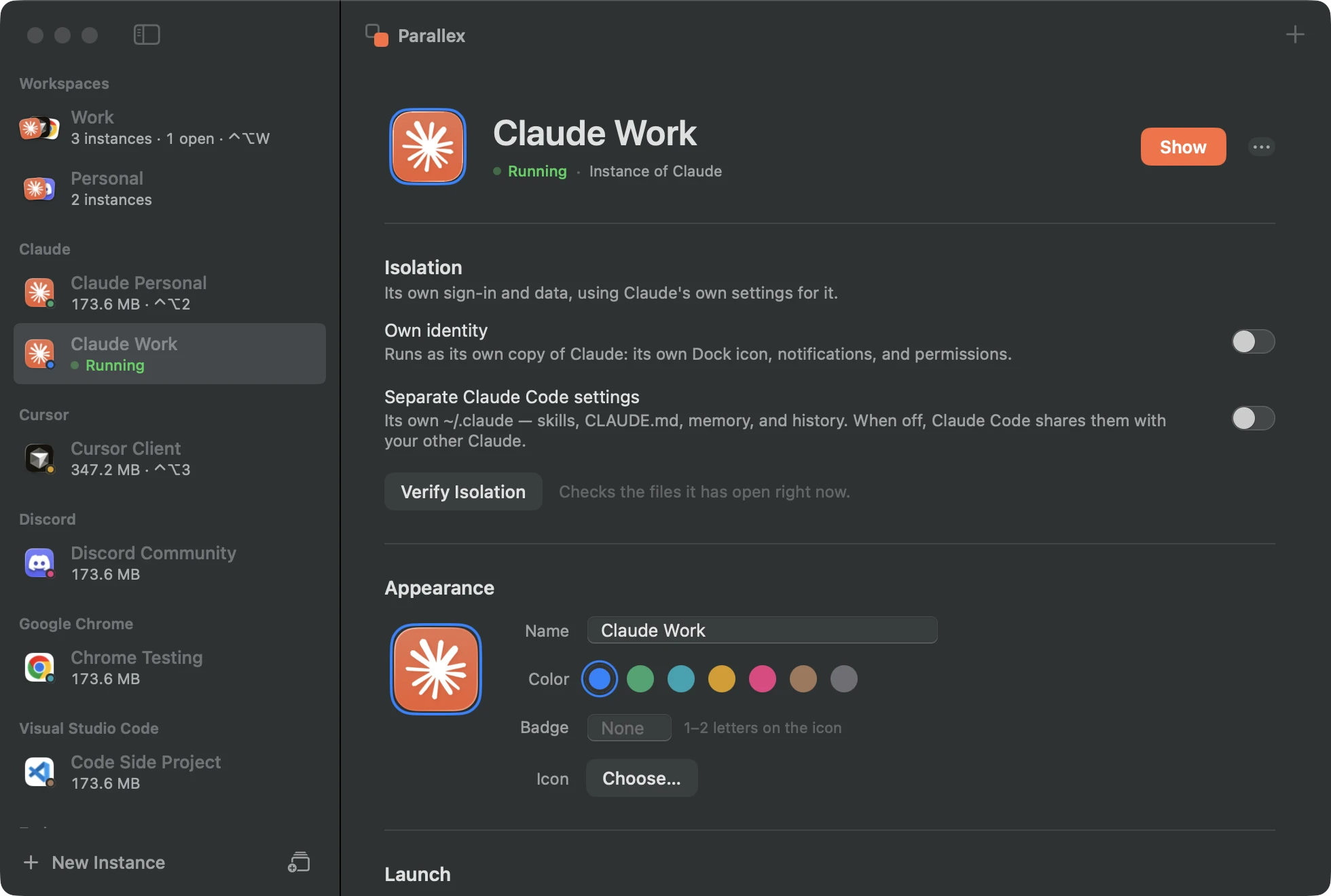
- Open it and sign in with the other account. Both run at once, each in its own windows, each with its own Dock icon.
What you get with Element
- Its own copy of Element, with its own Dock icon, name and color, its own notifications, and its own macOS permissions.
- Its own Library and keychain, so its sign-in, settings and caches are separate from your other Element, and it has its own encryption key in the keychain.
- Guard keeps the copy out of the original's data, and the isolation check shows what the copy has opened of yours.
- Kept up to date by Parallex: Element's own updater is turned off in the copy, and Parallex refreshes the copy when your Element updates.
Good to know
- A copy can't use iCloud sync, push notifications or Sign in with Apple, which belong to the original's signature. Apps that don't use them aren't affected.
- Each copy is a new session for Matrix, so verify it from one of your other sessions to read encrypted history.
Questions
Element signs in to one account. Is a second copy the way?
Yes: each copy holds its own session and keys, so both accounts stay signed in and open at once.
Get Parallex
Free and open source, for macOS 14 and later. In Terminal:
curl -fsSL https://parallex.mandip.dev/install | shOr download it from GitHub, or with Homebrew: brew tap mandipadk/parallex https://github.com/mandipadk/parallex then brew install --cask parallex. Then choose New Instance, pick Element, and give it a name.
Already have Parallex?
This opens New Instance with Element picked; you name it and choose its color.
Make a second Element