Two separate Ghostty terminals on one Mac
Can you run two separate Ghostty terminals on a Mac?
Ghostty opens as many windows and tabs as you like, all with one config. A second Ghostty made by Parallex has its own config, Dock icon and color, and in a workspace with an identity of its own, the shells it starts use that workspace's git and gh sign-ins.
Keep a terminal for a client or for work apart from your own: a second Ghostty with its own config, theme and Dock icon, so you can see at a glance which one you're typing in.
How
- Install Parallex (below). Your Ghostty isn't changed.
- Choose New Instance and pick Ghostty. Name it for what it's for, like “Ghostty Work”, and give it a color.
- Open it and sign in with the other account. Both run at once, each in its own windows, each with its own Dock icon.
Or without Parallex: every way to run an app twice on a Mac, compared.
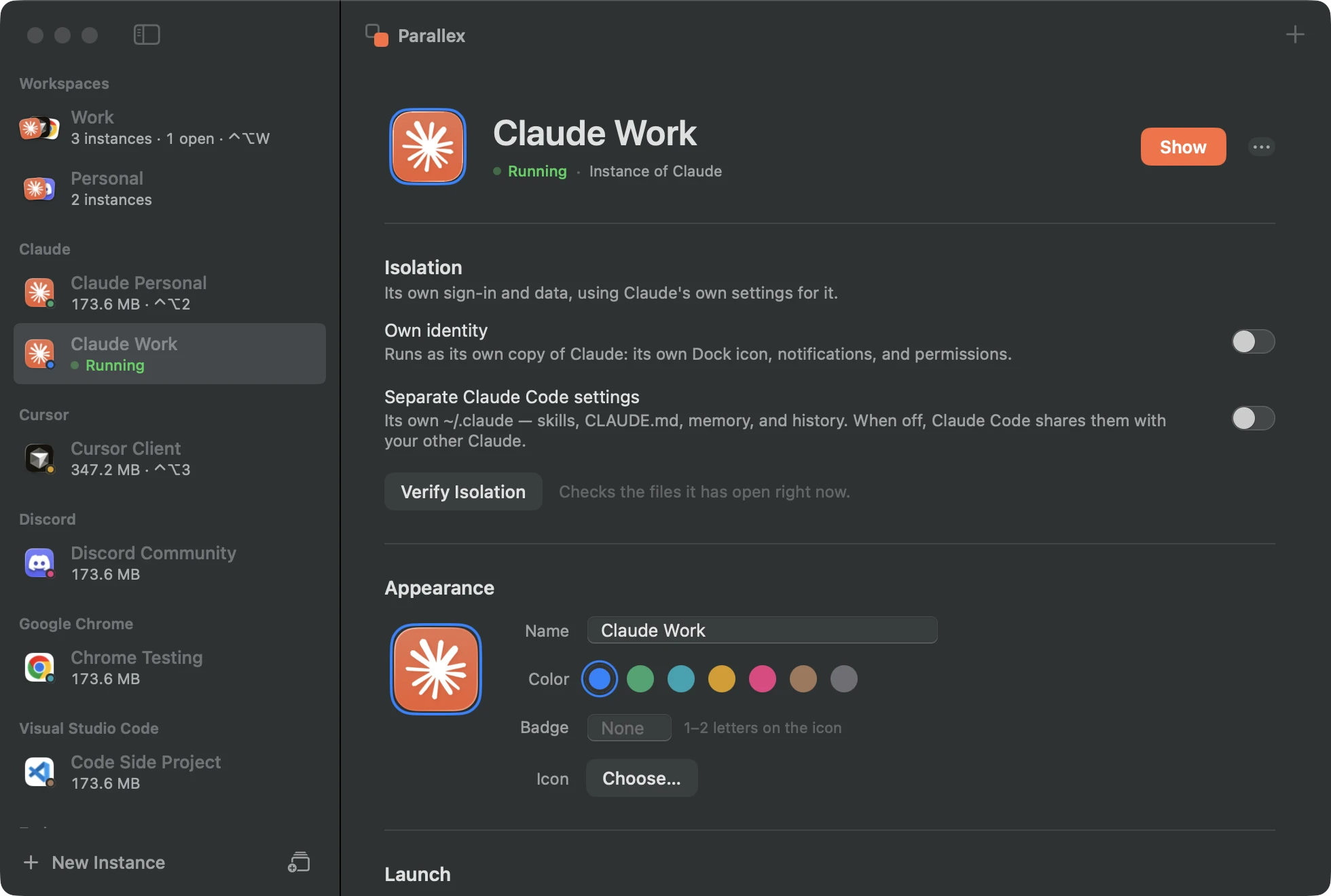
What you get with Ghostty
- Its own copy of Ghostty, with its own Dock icon, name and color, its own notifications, and its own macOS permissions.
- Its own Library and keychain, so its sign-in, settings and caches are separate from your other Ghostty, and it has its own encryption key in the keychain.
- Guard keeps the copy out of the original's data, and the isolation check shows what the copy has opened of yours.
- Kept up to date by Parallex: Ghostty's own updater is turned off in the copy, and Parallex refreshes the copy when your Ghostty updates.
- Its own config: the copy's
~/.config/ghosttyis its own, so its theme, font and keybindings can differ from your Ghostty's. - An identity of its own (in a workspace with one): the shells the copy starts use the workspace's git name, gh sign-in and cloud credentials, so it commits and pushes as that workspace while your own terminal stays you.
- Extra environment, if you like: variables set on the instance reach every shell it starts, such as
CLAUDE_CONFIG_DIRfor a separate Claude Code account.
Tested every night
Parallex's compatibility lab makes a fresh copy of Ghostty 1.3.1 every night on a clean Mac and opens it. On October 4, 2026, on macOS 26.6.2, the copy ran, and nothing reached the original's data. Its copies have run clean on all 3 nights since October 2. See every app's latest result.
Good to know
- A copy can't use iCloud sync, push notifications or Sign in with Apple, which belong to the original's signature. Apps that don't use them aren't affected.
- Your shell's startup files (
~/.zshrc) are the same for both, so a variable you export there applies in both terminals.
Questions
Ghostty already opens windows and tabs. Why a second one?
For a separate setup or identity: its own config and Dock icon, and in a workspace, its own git and gh sign-ins. For more windows of the same setup, Ghostty's own windows and tabs are the way.
Does it see my files?
Yes. Your home folder, projects and SSH keys are the same; only what you keep separate (its config, and in a workspace, its identity) differs.
Get Parallex
Free to try, for macOS 14 and later. In Terminal:
curl -fsSL https://parallex.mandip.dev/install | shOr download the disk image, or with Homebrew: brew install --cask mandipadk/parallex/parallex. Then choose New Instance, pick Ghostty, and give it a name.
Already have Parallex?
This opens New Instance with Ghostty picked; you name it and choose its color.
Make a second Ghostty