Two Spotify accounts on one Mac
Keep a family or second account in a second Spotify on the same Mac: both open at once, each signed in to its own account, with its own notifications and Dock icon. Parallex is free and open source.
How
- Install Parallex (below). Your Spotify isn't changed.
- Choose New Instance and pick Spotify. Name it for what it's for, like “Spotify Work”, and give it a color.
- Open it and sign in with the other account. Both run at once, each in its own windows, each with its own Dock icon.
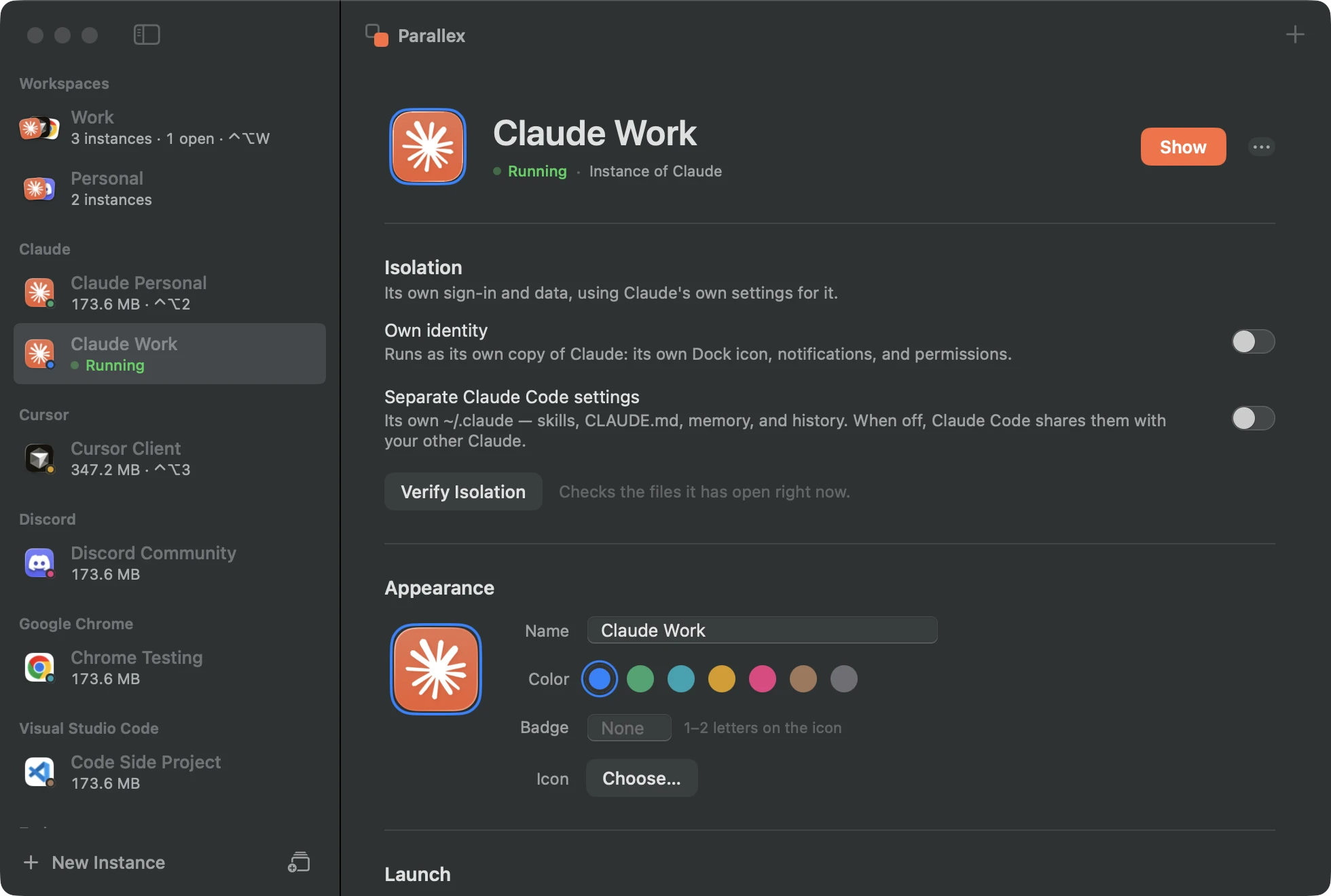
What you get with Spotify
- Its own copy of Spotify, with its own Dock icon, name and color, its own notifications, and its own macOS permissions.
- Its own Library and keychain, so its sign-in, settings and caches are separate from your other Spotify, and it has its own encryption key in the keychain.
- Guard keeps the copy out of the original's data, and the isolation check shows what the copy has opened of yours.
- Kept up to date by Parallex: Spotify's own updater is turned off in the copy, and Parallex refreshes the copy when your Spotify updates.
- A copy playing music isn't counted as idle, so Quit When Unused leaves it alone.
Tested every night
Parallex's compatibility lab makes a fresh copy of Spotify 1.3.3.264 every night on a clean Mac and opens it. On October 1, 2026, on macOS 26.6.2, the copy ran, and nothing reached the original's data. Its copies have run clean on all 2 nights since September 30. See every app's latest result.
Good to know
- A copy can't use iCloud sync, push notifications or Sign in with Apple, which belong to the original's signature. Apps that don't use them aren't affected.
- Spotify decides whether one account can play on two devices at once; two accounts each play their own.
Questions
Can both play at once?
Two accounts can, each from its own copy; your Mac mixes the sound.
Get Parallex
Free and open source, for macOS 14 and later. In Terminal:
curl -fsSL https://parallex.mandip.dev/install | shOr download it from GitHub, or with Homebrew: brew tap mandipadk/parallex https://github.com/mandipadk/parallex then brew install --cask parallex. Then choose New Instance, pick Spotify, and give it a name.
Already have Parallex?
This opens New Instance with Spotify picked; you name it and choose its color.
Make a second Spotify