Two WhatsApp accounts on one Mac
Keep your work number in a second WhatsApp on the same Mac: both open at once, each signed in to its own account, with its own notifications and Dock icon. Parallex is free and open source.
How
- Install Parallex (below). Your WhatsApp isn't changed.
- Choose New Instance and pick WhatsApp. Name it for what it's for, like “WhatsApp Work”, and give it a color.
- Open it and sign in with the other account. Both run at once, each in its own windows, each with its own Dock icon.
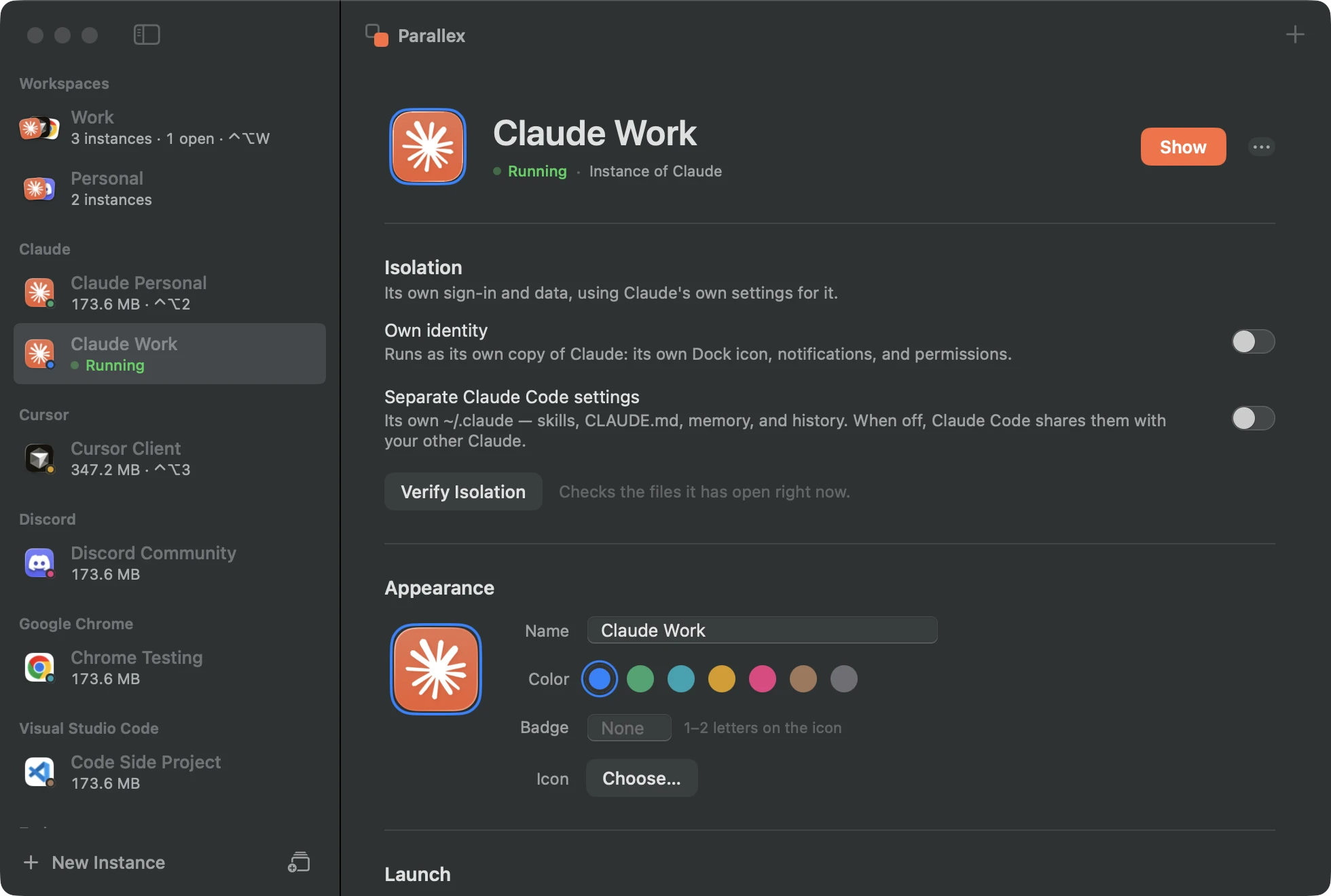
What you get with WhatsApp
- Its own copy of WhatsApp, with its own Dock icon, name and notifications.
- WhatsApp keeps its sign-in and messages in containers shared across its developer's apps. The copy gets its own renamed containers, so it starts signed out and never opens the original's.
- Or a website instance of WhatsApp Web in its own window, named “WhatsApp Web” beside your WhatsApp, with its own Dock badge and notifications.
Tested every night
Parallex's compatibility lab makes a fresh copy of WhatsApp 26.35.23 every night on a clean Mac and opens it. On October 1, 2026, on macOS 26.6.2, the copy ran, and nothing reached the original's data. Its copies have run clean on all 2 nights since September 30. See every app's latest result.
Good to know
- A copy can't use iCloud sync, push notifications or Sign in with Apple, which belong to the original's signature. Apps that don't use them aren't affected.
- App Store apps sometimes check their receipt and won't run as a copy. If that happens, the website instance is the way.
Questions
Does the copy see my other WhatsApp's chats?
No. It starts signed out, with its database in its own containers; link it to the other phone number with its QR code.
App or WhatsApp Web?
The copy behaves like the app; the website instance needs nothing copied and works the same everywhere. Both keep their sign-in separate from yours.
Get Parallex
Free and open source, for macOS 14 and later. In Terminal:
curl -fsSL https://parallex.mandip.dev/install | shOr download it from GitHub, or with Homebrew: brew tap mandipadk/parallex https://github.com/mandipadk/parallex then brew install --cask parallex. Then choose New Instance, pick WhatsApp, and give it a name.
Already have Parallex?
This opens New Instance with WhatsApp picked; you name it and choose its color.
Make a second WhatsApp