Two separate Obsidian setups on one Mac
Keep a separate set of vaults and plugins in a second Obsidian on the same Mac: both open at once, each signed in to its own account, with its own notifications and Dock icon. Parallex is free for now, Pro included.
Can you have two separate Obsidian setups on one Mac?
One Obsidian already opens several vaults, each in its own window, with one set of app settings and one list of vaults. A second Obsidian made by Parallex keeps its own settings, plugins list and vaults, and runs beside the first with its own Dock icon.
How
- Install Parallex (below). Your Obsidian isn't changed.
- Choose New Instance and pick Obsidian. Name it for what it's for, like “Obsidian Work”, and give it a color.
- Open it and sign in with the other account. Both run at once, each in its own windows, each with its own Dock icon.
Or without Parallex: every way to run an app twice on a Mac, compared.
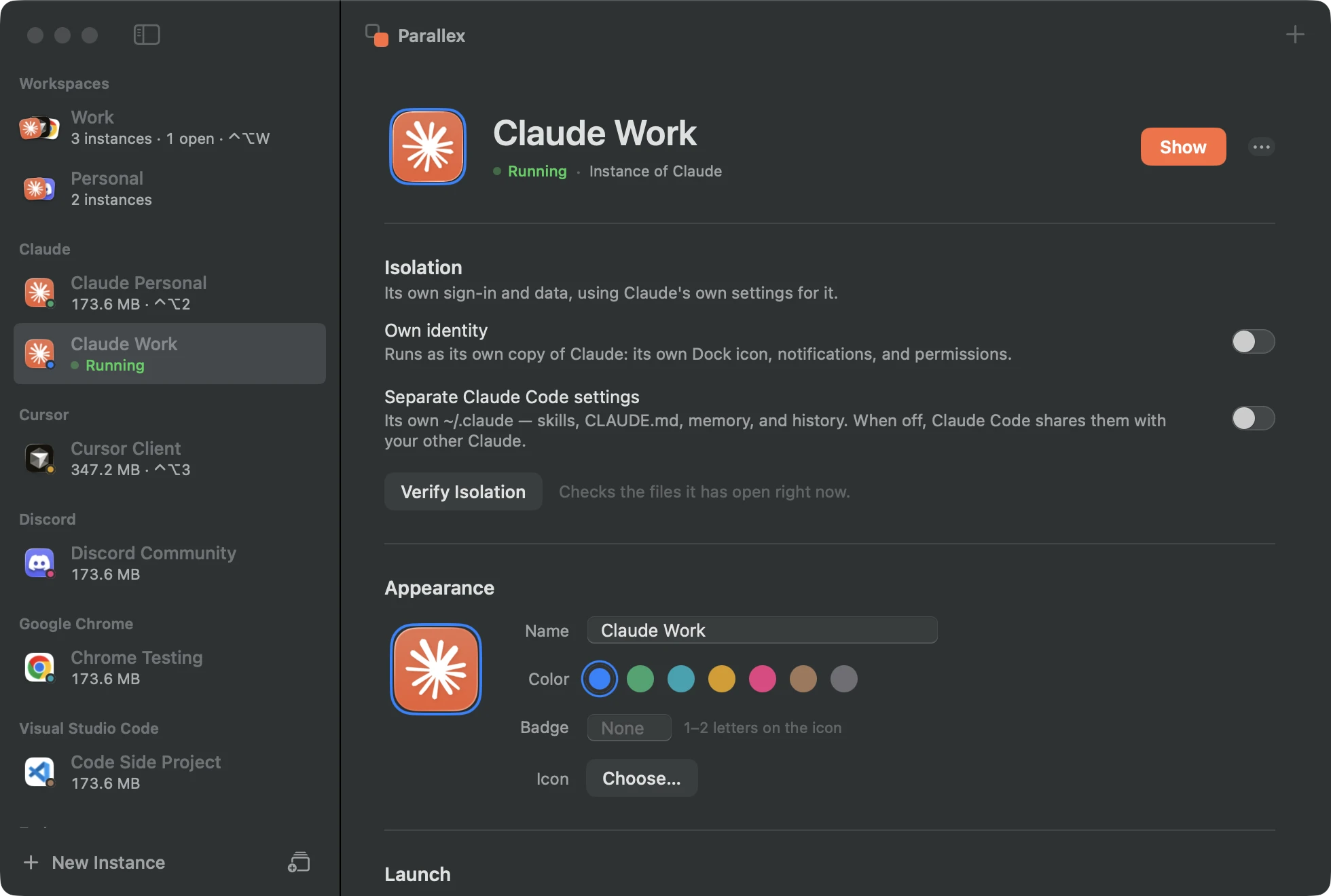
What you get with Obsidian
- Its own copy of Obsidian, with its own Dock icon, name and color, its own notifications, and its own macOS permissions.
- Its own Library and keychain, so its sign-in, settings and caches are separate from your other Obsidian, and it has its own encryption key in the keychain.
- Guard keeps the copy out of the original's data, and the isolation check shows what the copy has opened of yours.
- Kept up to date by Parallex: Obsidian's own updater is turned off in the copy, and Parallex refreshes the copy when your Obsidian updates.
- Parallex knows where Obsidian keeps its app data, so Guard and the isolation check watch that folder in particular.
Tested every night
Parallex's compatibility lab makes a fresh copy of Obsidian 1.14.5 every night on a clean Mac and opens it. On October 30, 2026, on macOS 26.6.2, the copy ran, and nothing reached the original's data. Its copies have run clean on all 31 nights since September 30. See every app's latest result.
Good to know
- A copy can't use iCloud sync, push notifications or Sign in with Apple, which belong to the original's signature. Apps that don't use them aren't affected.
Questions
Doesn't Obsidian open several vaults already?
It does. A second Obsidian keeps its own list of vaults and app settings, and runs beside the first with its own Dock icon.
Will the second Obsidian keep working when Obsidian updates?
Yes. The copy's own updater is off, and Parallex refreshes the copy when your Obsidian updates, keeping its sign-in and data. If an update gets in the way, the copy can go back to the version it was on, data too, while your Obsidian moves on.
Can both open the same vault?
They can, but a vault keeps its settings and plugins inside itself (its .obsidian folder), so both would share them, and two apps writing one vault at once can trip over each other. For two separate setups, give each Obsidian its own vaults.
What does Parallex cost?
Nothing, for now. Since October 31, 2026, Parallex is free, Pro included, on as many Macs as you like, with no license, no card and no account. That's for an undefined time, not a trial: there's no countdown. Licenses people bought stay valid. If Parallex is ever paid again, this site will say so before anything changes, and every copy you've made keeps opening, and can always be exported, either way. Pro is moving a copy to your other Mac (Carry), running several sealed agents on one task (Fleet), sharing your Claude setup across accounts, usage for each account in the menu bar, folders that switch your identity in Terminal, agent workspaces (an identity of its own for each AI agent) and a Parallex MCP server.
Get Parallex
Free for now, Pro included, on as many Macs as you like. For macOS 14 and later.
Or in Terminal
curl -fsSL https://parallex.mandip.dev/install | shOr with Homebrew
brew install --cask mandipadk/parallex/parallexThen choose New Instance, pick Obsidian, and give it a name.
Already have Parallex? Make a second Obsidian: New Instance opens with Obsidian picked, for you to name and color.